Logitech MK470 Slim Wireless Mouse and Keyboard
741/0909
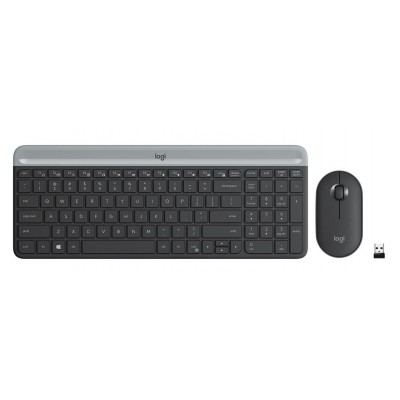
Product details
- Brand: Logitech
- Catalogue number: 741/0909
- Manufacturer's number: 920-009202
Logitech Support
 UK:
UK:
 Eire:
Eire:
ONLINE ONLY
ONLINE ONLY
Mon-Sun:
Open 24 hours
Email me this page
Enter your email address to have this page emailed to you *
Useful links
Online supportFAQs
Make sure the mouse is turned on and has working batteries or is fully charged. Check that the USB receiver is properly plugged in or that Bluetooth is enabled on your device. Try reconnecting or pairing the mouse again and restart your computer if needed.
This can happen due to low battery, interference from other wireless devices, or surface issues.
- Replace or recharge the batteries
- Move the receiver closer to the mouse
- Use the mouse on a flat, non-reflective surface
- Check for any driver updates
Questions & answers


Returns policy
If you need advice or support for your product, please in the first instance contact the support provider using the number on this support page.
If you still need to return your product then please visit our most up to date returns policy here.